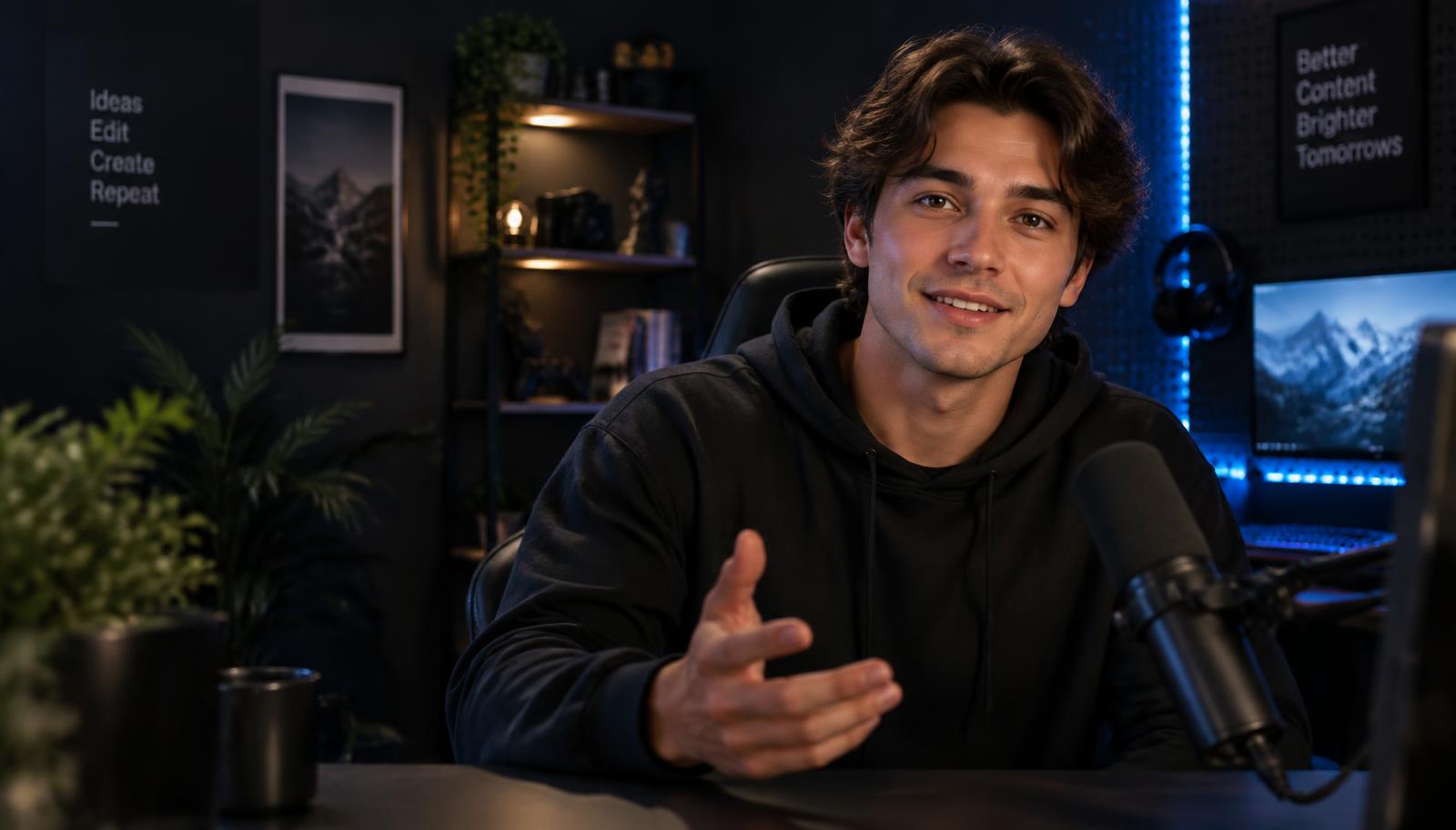
Real-time face streaming
Your face.
Any studio. Live.
Praisesoft transforms your webcam feed while you stream — from a polished realistic studio look to full characters — and always lets you fall back to your real camera in one click.
What's inside
Everything a live creator needs, nothing in the way.
Live Studio
Pick your camera and mic, watch original and processed feeds side by side, and preview a look before it goes live.
Realistic Studio
Keeps your face, skin tone, texture and expressions. Chest-up framing with warm key light, soft blue accents and a gentle blur.
Characters, outfits, backgrounds
Three independent controls you can mix. Upload your own photo or artwork and save it as a private preset.
Verified OBS output
A clean output window plus an OBS connection check, so you know the capture source is really in your scene.
Twitch chat effects
Let viewers trigger presets you allow, with cooldowns and a kill switch that turns chat effects off instantly.
Fail-safe streaming
If processing drops mid-stream, your output snaps back to the original camera and tells you what happened.
Set up your look
Choose Realistic Studio or mix a character, outfit and background. Upload your own art as a private preset.
Preview, then apply
See the processed feed next to your original. Nothing reaches your stream until you press Apply.
Go live with a safety net
Send the output to OBS. One click — or a dropped connection — returns you to the original camera.
Step into your studio.
Free to set up. Bring a webcam and your best angle.
Get started